Engine optimisation
Matched to your application.
Good engine calibration starts with the vehicle's condition and your goal. Agrar-Tech considers power, torque and everyday usability together.
WHAT ENGINE MANAGEMENT DOES
Software that makes a difference.
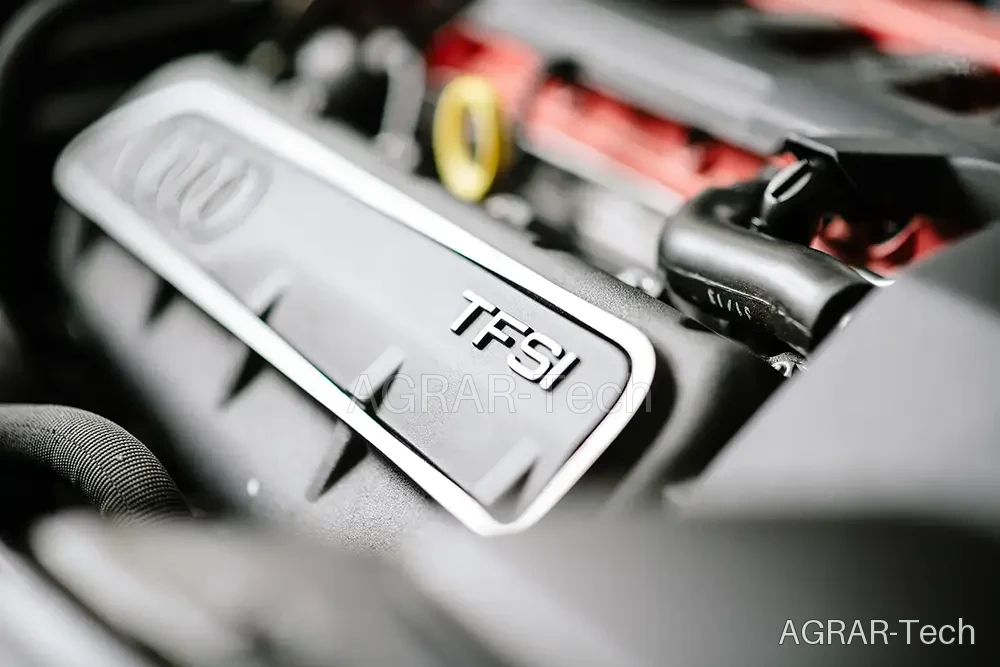
The ECU coordinates fuel delivery, airflow and ignition, among other functions. Their calibration shapes how torque builds and requested power is delivered.
We assess your engine variant and software version. Model ranges with similar engine names can differ in boost systems, cooling, injection or transmission. A shared engine name does not prove identical load limits.
FROM BASELINE TO RESULT
A clear foundation.
A suitable calibration.
- 01
Record the vehicle and objective
Model, standard power, mileage, maintenance condition and existing modifications form the baseline, together with your application.
- 02
Check the engine and software version
We examine the exact engine variant, current software and technical condition to assess a sensible calibration for your vehicle.
- 03
Evaluate the calibration and result
We agree the power objective, technical limits and required checks. Suitable measurements and feedback from use help assess the result.
Keep updates in view too.
A manufacturer update may change or overwrite an existing calibration. Tell us about workshop updates and send the current software version. Whether recalibration or a return to the standard file is possible is checked for the individual file.
YOUR NEXT STEP
What makes sense for your engine?
Your vehicle data lets us assess the possibilities.